Contents

Be a recognized diver in your community

Certification cards

Dive profile and nitrogen loading (descent)

Dive profile and nitrogen loading (ascent)

Recreational diving and the dive table

Recreational diving and the dive computer

How a dive computer works (1)

How a dive computer works (2)

How a dive computer works (3)

Planning your dive

Dive computer display (1)

Dive computer display (2)

Important operating notes

Emergency procedures


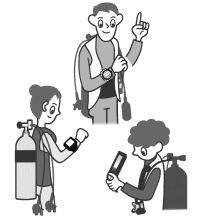
  • Do not use another diver’s computer. A dive computer tracks residual nitrogen from previous dives. Using someone else’s computer means the data will not reflect your personal dive history. Only use a properly reset rental computer that has been prepared specifically for you.

Personal dive computer

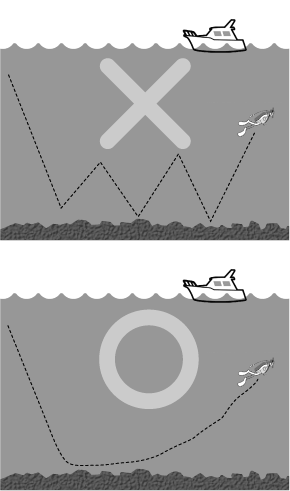
  • Plan your dive so that you reach your maximum depth first, then gradually ascend to shallower depths. A gradual ascent allows nitrogen to be eliminated more efficiently. Descending again after ascending will increase nitrogen absorption and reduce your no-decompression time.

Dive profile example

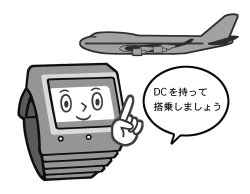
  • Carry your dive computer with you when flying. Changes in cabin pressure may affect the computer’s calculations. Always keep your computer active and with you when flying after diving, and bring the same computer with you on subsequent dives.

Flying after diving


BACK   NEXT

© net-diver school. 2006. All rights reserved.